Inside the device
Identify Chromebook and computer components and explain what they do. Learn careful disassembly and reassembly, diagnose faults, and carry out approved repairs on suitable practice equipment with supervision.

Technology & Digital Skills Apprentice
Applications open · Upper elementaryDiscover how technology works from the inside out. Learn to diagnose problems, repair devices, design useful things, and bring ideas to life through digital tools, circuitry, and robotics.
Start your application ↓The role
Explore what is happening inside a device, investigate why something is not working, and learn to create solutions that help our school. You will practise, test ideas, make thoughtful decisions, and improve your work with a mentor.
A good fit for a curious, patient, dependable student who enjoys making things and solving problems. No previous technical expertise is required.
Your mentor approves each task and checks your readiness. Practice devices and supervised projects give you room to learn carefully before taking on greater responsibility.
What you’ll learn
Identify Chromebook and computer components and explain what they do. Learn careful disassembly and reassembly, diagnose faults, and carry out approved repairs on suitable practice equipment with supervision.
Investigate startup, charging, Wi-Fi, printing, and software problems. Observe symptoms, test one idea at a time, keep a useful service log, and explain solutions patiently to others.
Develop proficiency in SketchUp through accurately dimensioned models. Revise designs from feedback and prepare suitable work for making or 3D printing. Explore other modelling tools when they serve a project.
Use Canva for clear layouts, GIMP for image editing, and Inkscape for vector graphics. Create useful school resources, choose suitable file formats, and explain the design choices behind your work.
Organize data in Excel or an approved equivalent. Use formulas, cell references, functions, and charts. Build a useful inventory, budget, or maintenance tracker and check that the calculations work.
Learn with approved low-voltage circuits and robotics equipment. Connect components, use sequences, loops, conditions, and sensors, then test and revise a program to complete a practical task.
Safety and trust are part of technical competence. Work only on approved devices and low-voltage projects. Adults manage passwords, private records, administrator access, and hazardous repairs. Ask before opening a device, changing settings, or accessing someone else’s files.
Your learning pathway
These suggested stages give your 400 hours a clear direction. Your mentor can adjust the balance to your learning needs, equipment, and projects while keeping the full skill requirements.
Meet your mentor, learn safe routines, identify equipment, and try introductory tasks across the six areas. Set up your hours log and portfolio.
Build skills through demonstrations, exercises, practice repairs, design tasks, formulas, circuits, and robot programs. Repeat and improve with feedback.
Take on approved support tasks and projects that serve the school. Keep records, meet commitments, and explain your decisions as responsibility grows.
Plan, build, test, and present a useful project. Finish your portfolio, demonstrate the required skills, and review your progress with your mentor.
Regular mentor check-ins help you see what is improving, what needs more practice, and what to try next.
Record the date, approved task, active time, and a brief learning note for each session. Your mentor reviews and verifies the log.
Your mentor signs off each area when you can demonstrate the skill reliably and explain your choices. Keep evidence of your process, including mistakes, revisions, and what you learned.
Final review: Complete all 400 supervised hours and receive mentor sign-off on the required skills and portfolio. If an area needs more practice, you receive feedback and another opportunity to demonstrate it. Hours alone do not earn the certificate.
Choose a useful challenge with your mentor and combine several skills. For example, a plant-care monitor could include a modelled enclosure, a low-voltage sensor circuit, a program, a spreadsheet of observations, and a visual user guide. A robotic delivery model or an equipment-management system could offer a different direction.
The final project does not need to use every tool. Your full portfolio must demonstrate all required skill areas.
What you’re working towards
Earn a Certificate of Achievement in Technology & Digital Skills by completing 400 supervised apprenticeship hours and demonstrating the required skills. Presented by CE Alliance in collaboration with Evergreen Leadership Academy.
Your certificate, mentor-signed skills record, and portfolio will describe what you have learned and demonstrated. Build a foundation for future learning in technical support, digital design, engineering, programming, and skilled technical work.
This is a school apprenticeship certificate recognizing your learning and practical experience.
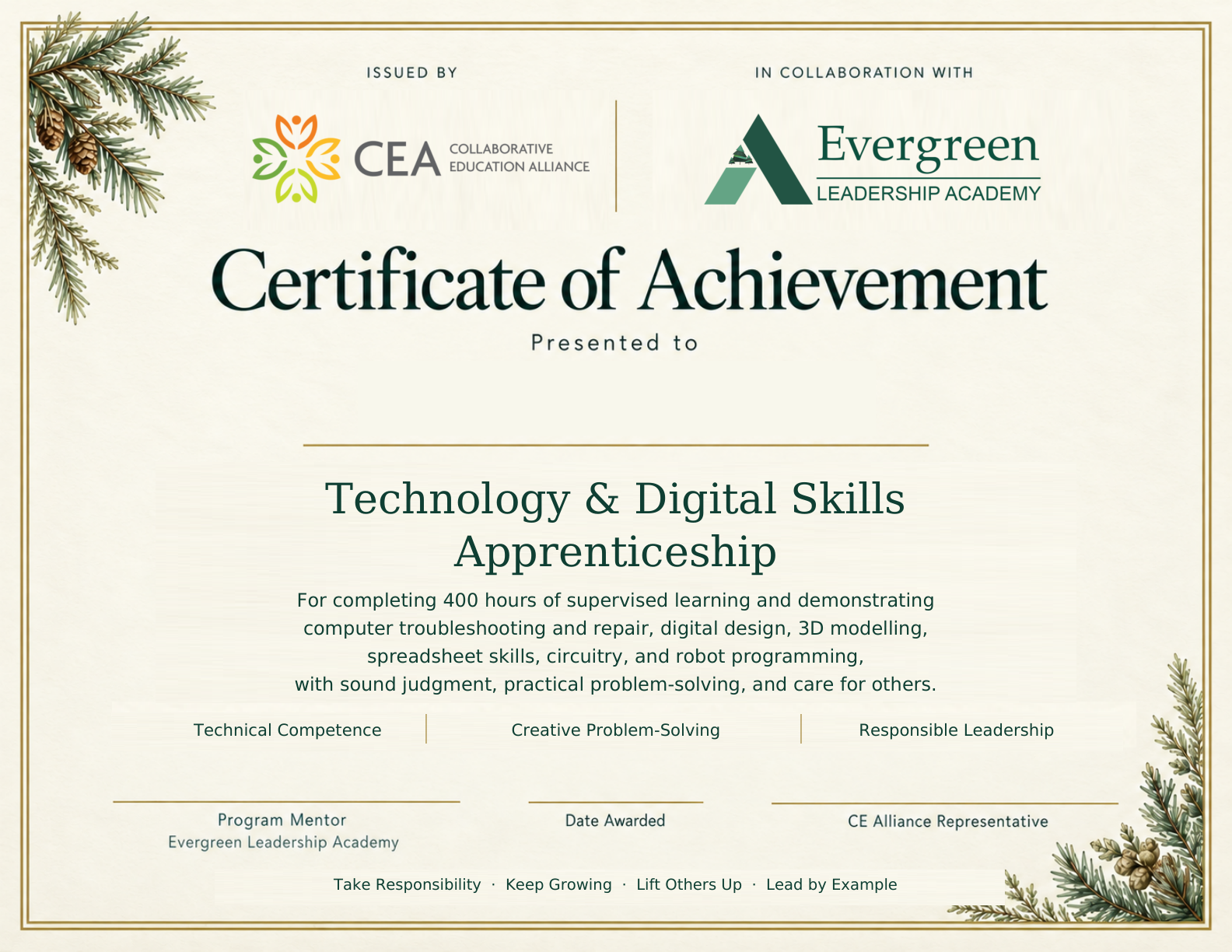
At 5 hours a week, 400 hours would take about 80 weeks. This is a substantial learning pathway that may span more than one school year.
Your schedule and milestones will be agreed with you, your family, and your teachers. Academics, wellbeing, and readiness come first.
The certificate requires 400 completed hours, demonstrated practical competence, responsible conduct, and a completed portfolio and final project.
The selection process
Tell us what you want to learn and how you approach a challenge. We’re looking for curiosity, patience, thoughtful judgment, and dependability.
Applying does not guarantee an interview or placement. Shortlisted students will be invited to meet with us.
Complete every required field below in your own words. Share your interests, commitments, and approach to solving a technology problem. Look for the on-screen confirmation after submitting.
Shortlisted students receive an invitation through school. We discuss interests, availability, teamwork, and everyday technical situations. Bring your questions, too.
The school team considers readiness, willingness to learn, judgment, and dependability. Outcomes are shared through school before a placement begins.
Once selected: We confirm family consent, identify your staff mentor, agree on a schedule and learning plan, and complete orientation before regular responsibilities begin.
Your application
Use your own words. A few thoughtful sentences for each question is enough. An adult may help you read the questions, but we want to hear your ideas.
For current Evergreen upper elementary students. No previous technical expertise is required.
After you submit, look for the confirmation message. If you do not see it or need help, email [email protected].